
A YouTube video analyzer tells you why a video got the views it did. The six tools below read different things. Some read the script and the hook. Some read public stats. Some test the title and thumbnail. Match the tool to the question you are asking.
TL;DR: To learn why a video worked, OutlierKit reads its script, scores the hook, and compares its views with the channel's average (10 credits per video, 30-credit free trial, no card). For free stats on any video while you browse, use vidIQ. For title and thumbnail research, 1of10 has a free plan. For your own drop-off points, YouTube Studio is free and holds data no outside tool can see.
Last updated: October 13, 2026
Tool | What it analyzes | Best for | Starting price (US) |
OutlierKit | Script, hook, keywords, views vs the channel average | Why a video worked | $49/mo; 30-credit free trial, no card |
vidIQ | Public stats, tags, and an SEO score beside any video | Quick stats while browsing | Free; Boost $19/mo |
1of10 | Outlier score on titles and thumbnails | Packaging research | Free; Basic $19/mo |
TubeBuddy | A/B tests on your own titles and thumbnails | Testing your packaging | Pro $12/mo, Legend $27/mo (billed yearly) |
ViewStats | Public view and subscriber history | Tracking a video over time | Free account; Pro $49.99/mo |
YouTube Studio | Retention, click-through rate, traffic sources | Your own videos | Free |
Watch: AI script analysis and why your first 15 seconds fail.
Related: How an AI YouTube video analyzer reads a video · OutlierKit Video Analyzer · How to Analyze YouTube Video Content · Best YouTube Script Analysis Tools
What does a YouTube video analyzer actually analyze?
It analyzes one of four layers, and most tools cover only one or two. Check which layer a tool reads before you pay for it.
Content: the script, pulled from the captions. This is where hook strength, open loops, and structure live. Only tools that read the transcript can judge it.
Public stats: views, views per hour, likes, comments, and upload timing. Any tool can read these for any video.
Packaging: the title and thumbnail. Tools either score them against outliers or run A/B tests on your own videos.
Private analytics: retention, click-through rate, and traffic sources. Only the channel owner sees these, in YouTube Studio.
That last point matters when you read tool marketing. No outside tool can see another channel's retention graph. A tool that shows "retention" for a competitor's video is estimating it from the script or from public stats.
Want AI that summarizes a video or answers questions about what it says? That is a different job, covered in best YouTube analyzer AI tools. This guide covers tools that explain a video's performance.
1. OutlierKit: best for finding out why a video worked
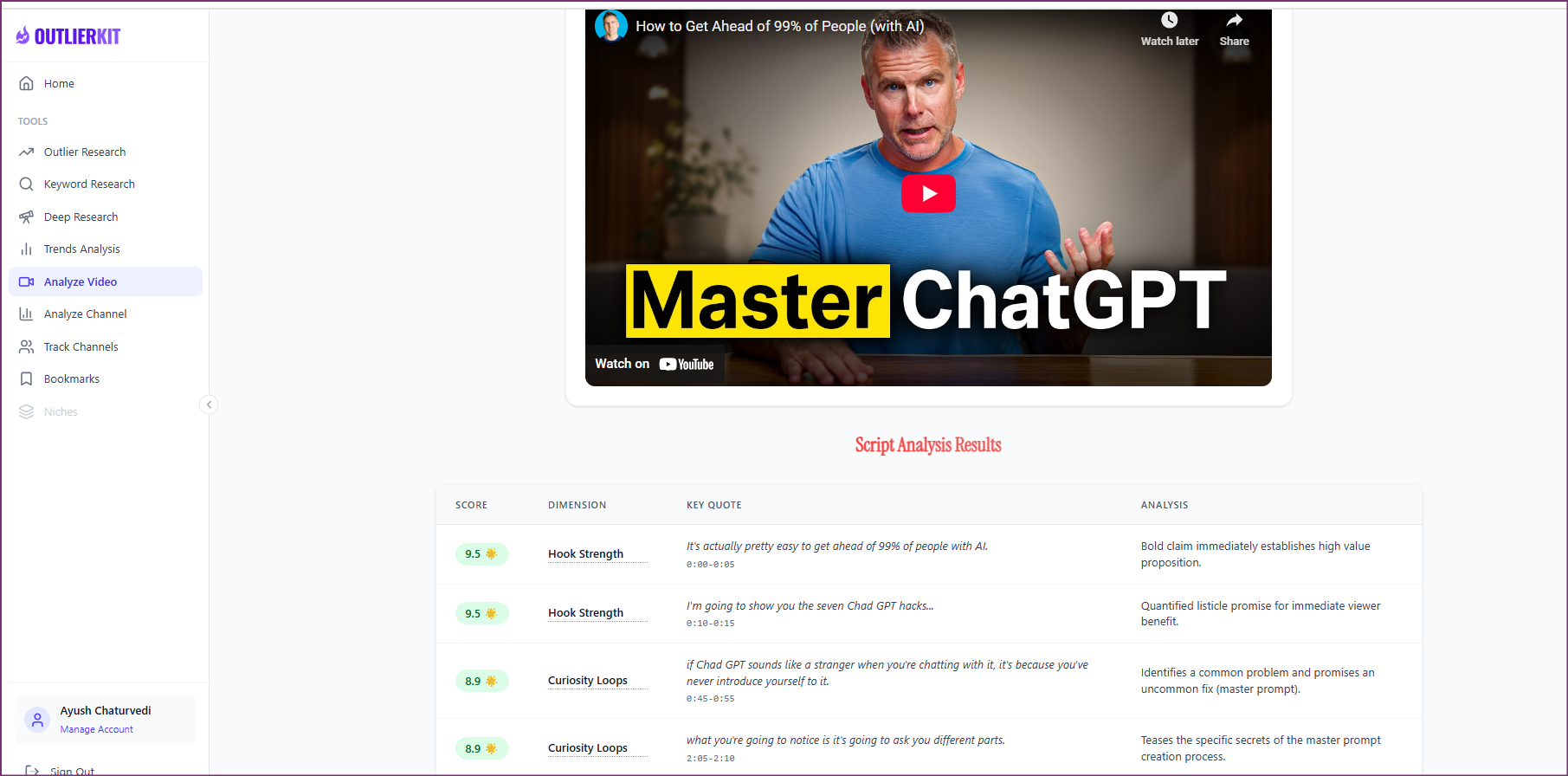
OutlierKit video analysis on a published video
Pricing: Hobby $49/mo, Pro $99/mo, Max $399/mo. The free trial is 30 credits with no card. Video Script Analysis costs 10 credits per video on every plan, so the trial covers three analyses. Rating: 5.0/5 from 13 Product Hunt reviews.
OutlierKit is a YouTube research and planning tool built for experts, consultants and coaches who use YouTube to share what they know. It works the same whether you run the channel yourself or an agency runs it for you. Paste any public video URL and it returns:
Script and hook: it pulls the transcript from the captions, scores the first 30 seconds, counts the open loops that keep people watching, and flags emotional triggers and pacing in the script.
Keywords: the search terms the video targets in its title, description, and tags.
Performance benchmark: the video's views against the channel's own average, so you can see if it was a real outlier or just a big channel's normal day.
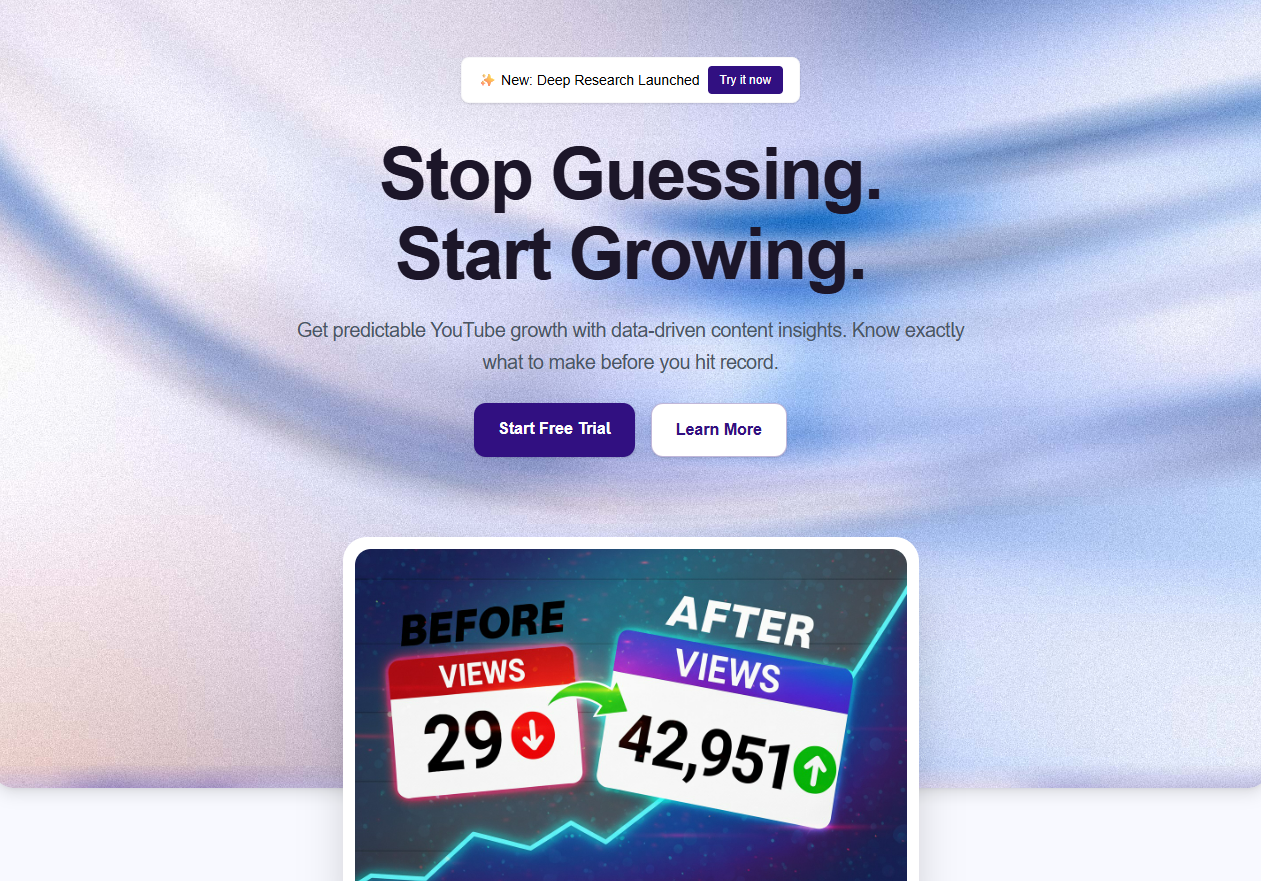
Titles, Descriptions, Chapters and Script Review
Title: Writes 16 title candidates and ranks them against real breakout videos on your topic (2 credits per run)
Description & hashtags: Writes the 150 characters people see in search and the rest of the description, and picks hashtags
Chapters: Builds timestamped chapters for your video
Script review: Scores the script you wrote and tells you what to fix before you record
MCP connector: Lets Claude use OutlierKit's research tools on Pro and Max. Sign in with Google, no API key
OutlierKit still does not write scripts from scratch, design thumbnails or generate video.
What creators say
“After implementing the recommendations from the first report last week, my latest video has nearly tripled in views (2000) compared to my previous best one (700), so the recommendations do work.” Harjit Lakhan, Creator (Product Hunt review)
One creator on a small channel. Not a typical or promised result.
“I really liked how clean the analysis results were, especially the importance score. It actually helps you see which parts of a video are doing the heavy lifting. The analysis was quick too.” Hossein Yazdi, Founder, WebCurate (Product Hunt review)
“OutlierKit gives a lot of useful YouTube data without making you dig through endless numbers. The analysis surfaces the details that actually matter.” Casey Brandon, Creator (Product Hunt review)
Limits
OutlierKit reads the script, not the picture. It does not see b-roll, edits, or audio, and like every outside tool it cannot see another channel's retention graph. There is no free plan after the trial.
Try OutlierKit free with 30 credits →
2. vidIQ: best for free stats on any video
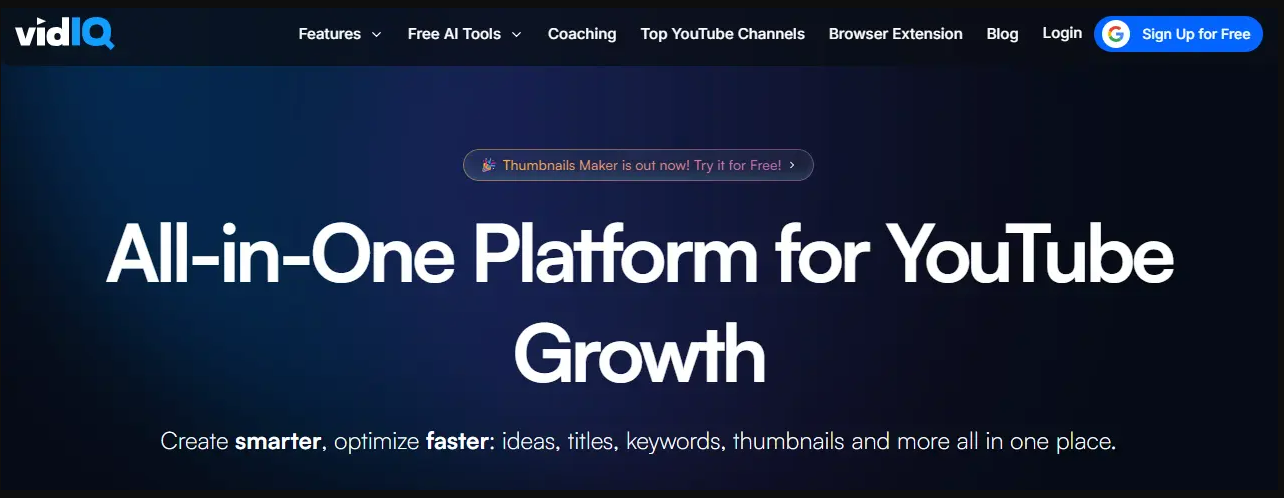
vidIQ stats beside a YouTube video
Pricing: Free (150 AI credits a month); Boost $19/mo or $199/yr; Max $49/mo. Rating: 4.5/5 from 11.3K Chrome Web Store ratings; 3.8/5 from 1,369 Trustpilot reviews.
vidIQ's browser extension puts stats beside any video you open: views per hour, tags, and an SEO score for the title and description. Its AI tools write titles and descriptions and answer questions in a coach chat.
Limits: every AI feature draws on one shared credit pool. Credits do not roll over, vidIQ sells no top-ups, and AI tools pause until your next billing cycle when the pool runs out. It shows what a video did, not how its script is built. More options: vidIQ alternatives.
3. 1of10: best for title and thumbnail research
Pricing: Free (60 credits a month); Basic $19/mo or $180/yr; Pro $89/mo. Rating: 4.1/5 from 30 Trustpilot reviews.
1of10 scores how far a video beat its channel's usual views and lets you search outliers by thumbnail and title. Its research tools use no credits. Its AI tools (thumbnails, titles, and the Optimize run) use credits on every plan, including Free.
Limits: it studies packaging. It does not break down the script. Basic at $19/mo is cheaper than OutlierKit's $49 Hobby plan.
4. TubeBuddy: best for A/B testing your own titles and thumbnails
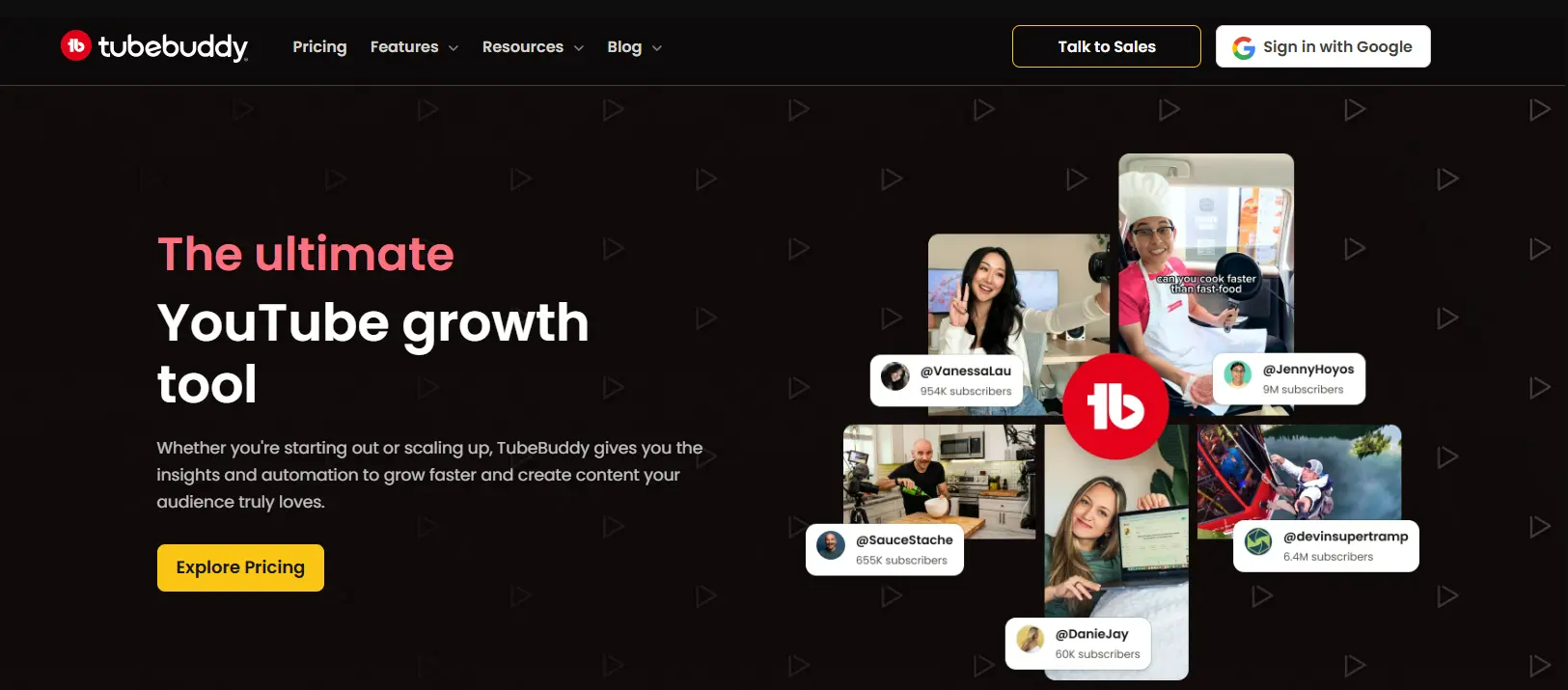
TubeBuddy optimization tools inside YouTube
Pricing: Pro $12/mo and Legend $27/mo, both billed yearly, per TubeBuddy's own comparison post. Rating: 4.5/5 from 8.5K Chrome Web Store ratings; 2.8/5 from 25 Trustpilot reviews.
TubeBuddy works on your own channel. It scores your title, description, and tags, runs A/B tests on titles and thumbnails, and bulk-edits metadata across many videos.
Limits: A/B testing needs the Legend plan and only runs on videos you own. Channels over 50K subscribers, or with three or more managers, need an Enterprise license. More options: TubeBuddy alternatives.
5. ViewStats: best for tracking a video's public stats over time
Pricing: free account; Pro $49.99/mo or $479.88/yr; Business from $249/mo. Rating: 4.4/5 from 238 Chrome Web Store ratings; 2.4/5 from 11 Trustpilot reviews.
ViewStats, built by MrBeast's team, charts the public view and subscriber history of videos and channels. It suits anyone who wants to watch how a video grows day by day.
Limits: it reports stats, not the script. There is nothing between Pro at $49.99 and Business at $249.
6. YouTube Studio: best free analyzer for your own videos
Pricing: free with every channel.
YouTube Studio is the only place with real retention data. For each of your videos it shows the audience retention graph, key moments where viewers drop off or rewatch, click-through rate on the thumbnail, traffic sources, and the search terms that found the video.
Limits: it covers your own channel only. Pair it with a tool from above to study competitors.
Which YouTube video analyzer should you pick?
Choose | If you want to |
OutlierKit | Learn why a competitor's video took off: its hook, script, and keywords. Built for experts, consultants and coaches |
vidIQ | See free stats on any video while you browse YouTube |
1of10 | Research which titles and thumbnails beat their channel's average |
TubeBuddy | A/B test two thumbnails or titles on your own video |
ViewStats | Follow a video's public view history day by day |
YouTube Studio | Find where viewers leave your own videos |
Most creators end up with two: YouTube Studio for their own numbers, plus one tool for studying other channels.
Can you analyze a YouTube video for free?
Yes. YouTube Studio is free for your own videos. vidIQ's free plan shows stats on any video, 1of10's free plan includes outlier research, and ViewStats has a free account. For a script and hook breakdown, OutlierKit's 30-credit trial covers three video analyses at 10 credits each, with no card.
How to analyze a YouTube video in five steps
Check if it is an outlier. Compare its views with the channel's average. A video at 5x the average tells you more than one at 1x on a huge channel.
Read the first 30 seconds of the script. Note the promise it makes and how fast it gets to it.
Count the open loops. List the questions the video raises and when it answers them.
Check the packaging. Does the thumbnail and title promise match what the first minute delivers?
Compare with your own retention. Open YouTube Studio and see where your similar videos lose viewers.
For a longer walkthrough, see how to analyze YouTube video content.
Can a video analyzer see another channel's retention?
No. Retention graphs are private to the channel owner and live only in YouTube Studio. Outside tools work from public stats, like views per hour, or from the transcript. Treat any "competitor retention" number as an estimate.
Is there an open-source YouTube video analyzer?
Not as a finished product, but you can build a basic one. yt-dlp downloads a video's captions, the YouTube Data API returns its public stats, and any large language model can then read the transcript and critique the hook. You give up the benchmarks: a hosted tool compares the video with its channel's average and with outliers in the niche, which a script on your laptop cannot do without its own data.
YouTube Video Analyzer FAQ
It depends on what you want to learn. OutlierKit is best for finding out why a video worked, because it reads the script and hook and compares the views with the channel's average. vidIQ is best for free stats on any video, 1of10 for title and thumbnail research, and YouTube Studio for your own retention data.
Yes. YouTube Studio is free for your own videos, vidIQ and 1of10 have free plans, and ViewStats has a free account. OutlierKit has no free plan, but its 30-credit trial covers three script analyses with no card.
YouTube Analytics, inside YouTube Studio, shows private data for your own videos: retention, click-through rate, and traffic sources. A video analyzer studies any public video, including a competitor's, from its script and public stats.
No. It can show what past outliers in your niche have in common, such as a fast hook or a clear promise. No tool can predict a video's views before it is published.
10 credits per video on every plan, so the 30-credit free trial covers three analyses. Script review, which scores a script you wrote before you record, is a separate tool.
How we checked these tools
Prices are US figures from each vendor's own pricing page or published post, checked in August and September 2026. Ratings come from Trustpilot and the Chrome Web Store, checked on September 28, 2026, with review counts shown so you can weigh them. Thumblytics, listed here before, now sells a video-clipping tool rather than thumbnail testing, so it is no longer on this list.
Share this post